How to Type Urdu on an English Keyboard (Without Installs)
October 23, 2026
Most people face the same problem when they start learning Urdu typing their keyboard has English letters but no Urdu letters in sight. They search for ways to type Urdu on an English keyboard but the answers often leave them confused. Which keyboard layout should they use? How does it actually work?
In this guide, you will learn how to type Urdu using a regular English keyboard even if you are just starting out. We will also look at the different tools available for Urdu typing and explain how an Urdu typing converter works so you can choose the option that suits you best.
What does "typing Urdu from English" mean?
When you search for ways to type Urdu using an English keyboard you will usually come across two options, an Urdu typing converter and a phonetic keyboard. They may sound similar but they work differently.
An Urdu typing converter lets you type a word in English letters such as "shukriya," and converts it into Urdu script. It's handy when you need to write a few words or a short message without much effort.
A phonetic keyboard works differently. It lets you type Urdu directly using the English keys on your keyboard. Each key corresponds to an Urdu letter based on its sound, so you can learn where the letters are and gradually improve your typing speed.
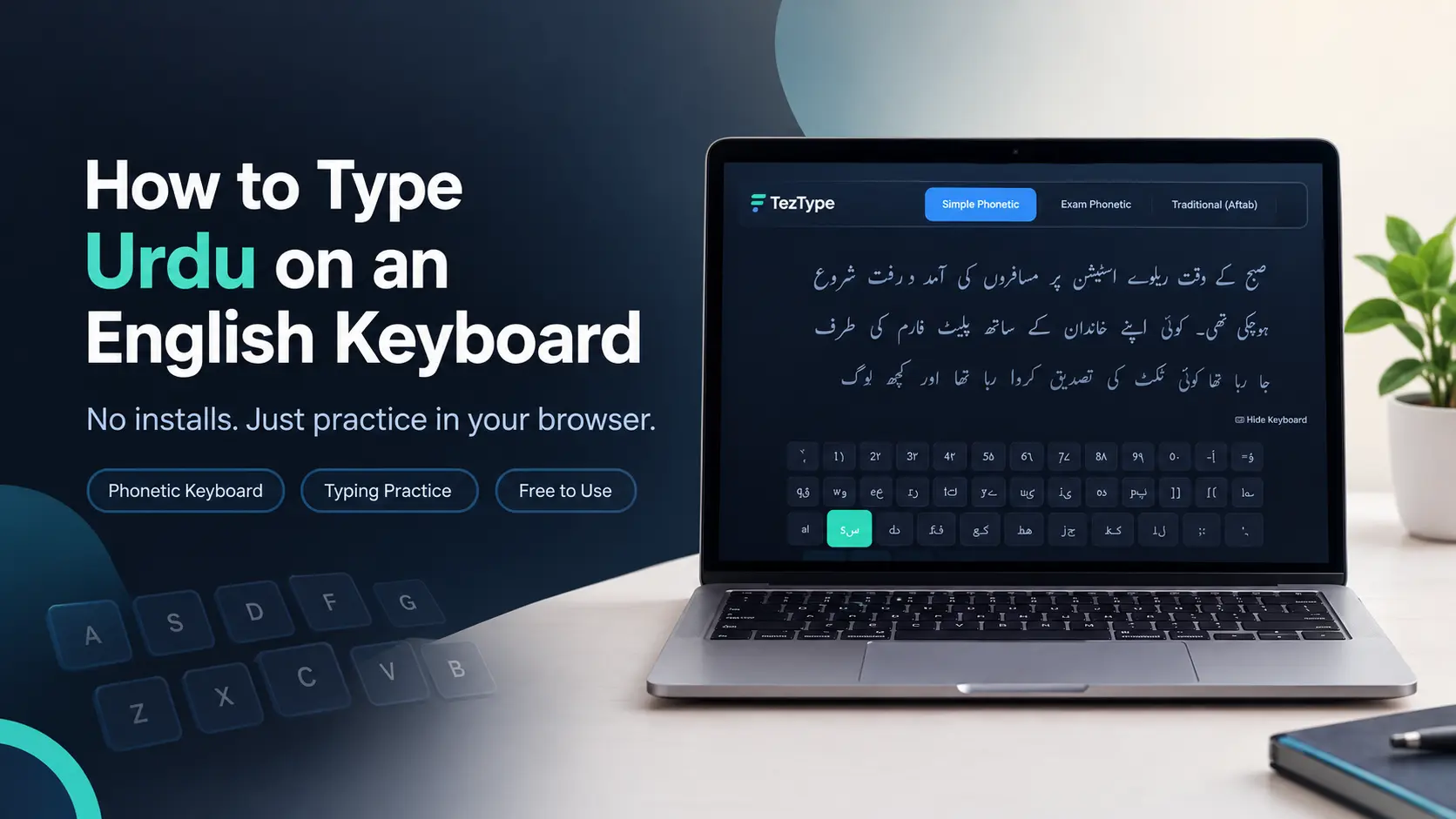
If your goal is to get better at Urdu typing or prepare for a typing test or job exam, a phonetic keyboard is the better choice. That's the approach TezType uses to help you practice and build real typing skills.
How a phonetic keyboard works
If you're used to QWERTY, a phonetic keyboard can sound strange, but it's easier than it looks. You already know what sounds the English letters make, so you don't have to memorize a random layout. You only need to link the sound of an Urdu letter to the English key mapped to it. For example, A gives you ا, B gives you ب and M gives you م.
After some practice, muscle memory takes over, and you'll type Urdu without thinking about where the keys are.
How to start typing Urdu in your browser
Here's how to begin on TezType:
- Open the Urdu typing test.
- At the top of the screen, choose the Simple Phonetic layout. It's the easiest one to start with.
- Watch the on-screen keyboard. It highlights the next Urdu letter you need, which helps you build a mental map by matching Urdu letters to English keys.
- Take a 1-minute test to get a feel for the letters. Don't worry about the score. Treat it as a way of exploring the keyboard.
- Once you're comfortable, move on to the typing lessons. They start with single letters and then move to sets of three, so learning never feels overwhelming.
That's all there is to it. There's nothing to download or install.
Which keyboard layout should you use?
TezType has three Urdu layouts, each for a different kind of typist:
- Simple Phonetic: best for beginners
- Exam Phonetic: close to the Windows layout
- Traditional (Aftab): close to InPage-style typing
As a rule of thumb, start with Simple Phonetic. If you're preparing for a real Urdu typing exam, practice on the same layout the examiner uses. Stick with one layout throughout your preparation, because switching in the middle is slow and confusing.
Why some letters feel tricky
Urdu has more letters than an English keyboard has keys, so in most layouts some letters share a key or sit behind the Shift key. It can feel confusing at first, but you don't need to memorize it all. The on-screen keyboard stays visible during practice and tests, and it highlights the letter you need.
After each test, check the weak keys section. It shows the letters you typed incorrectly most often, so you can practice just those instead of the whole layout. That saves a lot of time.
A simple practice routine
Short, regular practice works better than long sessions now and then. Aim for 10 to 15 minutes a day.
- In the first few days, focus on lessons only. Skip the tests.
- Keep your eyes on the screen, not on your hands. Your speed may drop for a few days while your fingers learn. That's normal.
- When typing feels comfortable, add a 1-minute test and watch your accuracy more than your speed.
- Take a 3-minute or 5-minute test about once a week.
Accuracy comes first. Speed usually follows once the mistakes stop.
Things to avoid
- Using a converter as practice. It's handy, but it doesn't build muscle memory.
- Switching layouts every few days. Stay with one for a few weeks.
- Looking at the keyboard while you type.
- Typing faster than you can type correctly.
- Practicing only now and then. Consistency matters most.
How to type Urdu in Word or WhatsApp
TezType is a practice tool, so it won't type Urdu inside other apps. To write Urdu in WhatsApp, Word, Excel or PowerPoint, you need an Urdu keyboard on your phone or computer. Phones usually let you add one under Language or Keyboard settings, and Windows has language settings where you can add an Urdu keyboard too.
Practice on TezType won't change how those keyboards work. But once you're used to a phonetic layout, adjusting to another one tends to be quicker. Layout details can differ, so check where the letters are before you start.
Frequently asked questions
Do I need to install an Urdu keyboard to practice?
No. The Urdu keyboard on TezType works inside your browser, so your normal English keyboard is enough.
Is a phonetic keyboard the same as an English to Urdu converter?
No. A converter takes an English word or sentence and changes it into an Urdu one. A phonetic keyboard gives you one Urdu letter for every key you press.
Which keyboard is best for typing Urdu?
For beginners, Simple Phonetic is the easiest. For an Urdu typing test, find out which layout the examiner uses and practice on that one.
How long does it take to learn to type Urdu?
It varies from person to person. With short, regular practice, many people get comfortable within a few weeks, but there's no fixed timeline.
Can I practice Urdu typing for free?
Yes. All the tests and lessons are free, and you don't need to register to practice.
Where to go from here
Open the Urdu typing test, choose a layout and take a 1-minute test. Note your speed and accuracy, then follow the routine above for the next few weeks.
If you want a deeper guide to getting faster, read how to increase your Urdu typing speed. If you have a typing exam coming up, see our guide on how to prepare for a typing test.
Related posts
How to Prepare for a Typing Test
A practical guide for data entry and job exams: speed targets, scoring, and a 4-week plan.
اردو ٹائپنگ کی رفتار کیسے بڑھائیں؟ 10 آسان اور مؤثر طریقے
فونیٹک کی بورڈ، روزانہ مشق، درستگی اور ٹائپنگ ٹیسٹ — مکمل گائیڈ۔