Why You Should Practice Typing on Multiple Keyboards
October 24, 2026
One thing that no one tells you going into a typing exam is that you can practice for weeks and feel like you are typing fast enough to be proud of. You then take your seat and the keyboard is completely different to what you are used to. This causes you to type slower and become confused.
I can personally tell you why the keyboard is more important than most people think!
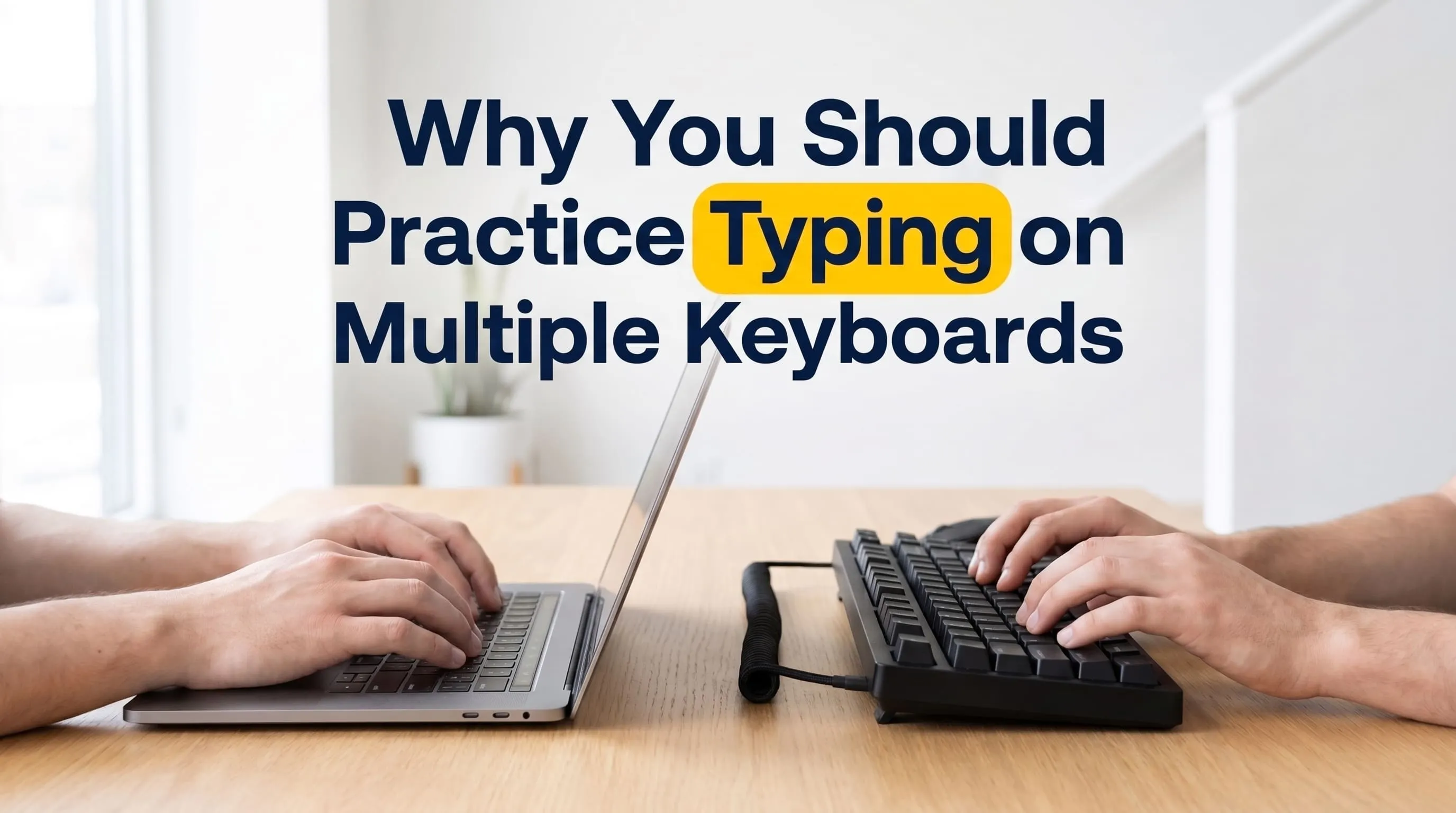
All keyboards feel different
Even if they have the same keys in the same positions some keyboards will feel completely different. Some keyboards have stiff keys which require you to type quite hard. Some will be very sensitive and may even register double letters. Some keyboards are smaller with less space between the keys.
While this doesn’t matter much when typing an informal message, when you are timing yourself it can cause issues.
Stiff keys
Stiff keyboards will cause you to type harder than necessary. This causes your fingers to tire quicker and causes you to have an uneven typing rhythm due to some keys being slow to respond. Very sensitive keyboards cause issues because you can accidentally type double letters by just pressing once.
Both of these affect your accuracy which many typing tests take into consideration. If you haven’t practiced on both types of keyboards you won’t know how to deal with them.
Laptops vs Full size keyboards
Many students will practice on a laptop. This is fine. However, full size keyboards feel different. They are larger, usually have more key travel, different key spacing and different hand positioning.
When you first place your hands onto a full size keyboard you may feel uncomfortable. Your wrist will be angled differently, your fingers will be reaching for keys that aren’t quite where your muscle memory wants them to be and you will type slower. This isn’t because you have forgotten how to type but because your hands haven’t learned the keyboard.
Simple solution!
Try to practice on at least 2 different keyboards. A laptop keyboard and traditional keyboard are the easiest options. However, if you can find a 3rd keyboard that is either softer or stiffer the better.
By practicing on different keyboards your hands will adapt. When you go into your exam you won’t be surprised by the keyboard on the desk. Just like if you have driven a few different cars you’ll feel comfortable in a new car. While your speed may not be the same, it usually won’t be too different.
How to practice on both keyboards
Don’t over complicate it. Simply practice on your laptop for a couple of days and then switch to your traditional keyboard. Or do your daily practice on one keyboard and 1 long test on the other. If your accuracy drops when switching keyboards that is the one you need to spend more time practicing on.
If you don’t have a second keyboard ask a friend or cousin to lend you one. Or use a computer from a cyber cafe or school lab. Even doing a couple of sessions will help. Try to practice on the same keyboard layout as you would in your exam as changing the keyboard and layout will make things harder.
Double letters
If you are getting double letters when pressing one key try testing your keyboard in a basic text editor. If it still doesn’t work try wiping around the keys if they look dirty. If it still doesn’t work use a different keyboard for your serious practice tests. Use the keyboard for your relaxed practice.
If you are in the exam hall and it is allowed ask the person in charge if you can swap keyboards. If you can’t then simply slow down and type lightly.
Tips for exam day
Get to the exam centre a little early. If allowed press a few keys to get used to how hard/soft they are. Check the language and layout of the computer. Adjust your chair so your wrists are straight and take a slow breath.
The first few seconds on a new keyboard will feel odd to almost everyone.
Common mistakes
The most common mistake is to practice on one keyboard and assume it will be the same. Another issue is to assume you are typing slowly because you did 1 test on a new keyboard. This doesn’t mean you have lost any skill, it just means your hands need more time on the keyboard. Don’t change your keyboard layout just before your exam.
FAQs
Do I really need 2 keyboards?
Not necessarily but it can be helpful to practice on a different keyboard occasionally.
Is practicing on a laptop enough?
It is a good start. However, if your exam is likely to be on a full size keyboard it is worth practicing on 1.
Will I type the same speed on all keyboards?
Probably not. However practicing on different keyboards usually reduces the difference. Small differences are normal.
What if I can’t buy another keyboard?
Ask someone to lend you one or use a computer from a shop/lab. A couple of sessions can really help.
Where can I practice for free?
You can do free tests and lessons on TezType. Try the Urdu typing test or English typing test.
What next?
Do 1 test on your laptop today and 1 on a different keyboard tomorrow. Compare your speed and accuracy. If you want a full plan for preparing for your exam read our guide on how to prepare for a typing test. If you are new to typing then our free typing lessons are a great place to start!
Related reading
Want to know what counts as a good speed? Urdu readers can see اردو ٹائپنگ کی اچھی رفتار کتنی ہوتی ہے؟. You can also check where you stand on the leaderboard.
Related posts
How to Prepare for a Typing Test
A practical guide for data entry and job exams: speed targets, scoring, and a 4-week plan.
How to Type Urdu on an English Keyboard (No Install)
Learn how to type Urdu with your English keyboard online. A step-by-step guide to phonetic Urdu typing, layouts and daily practice.